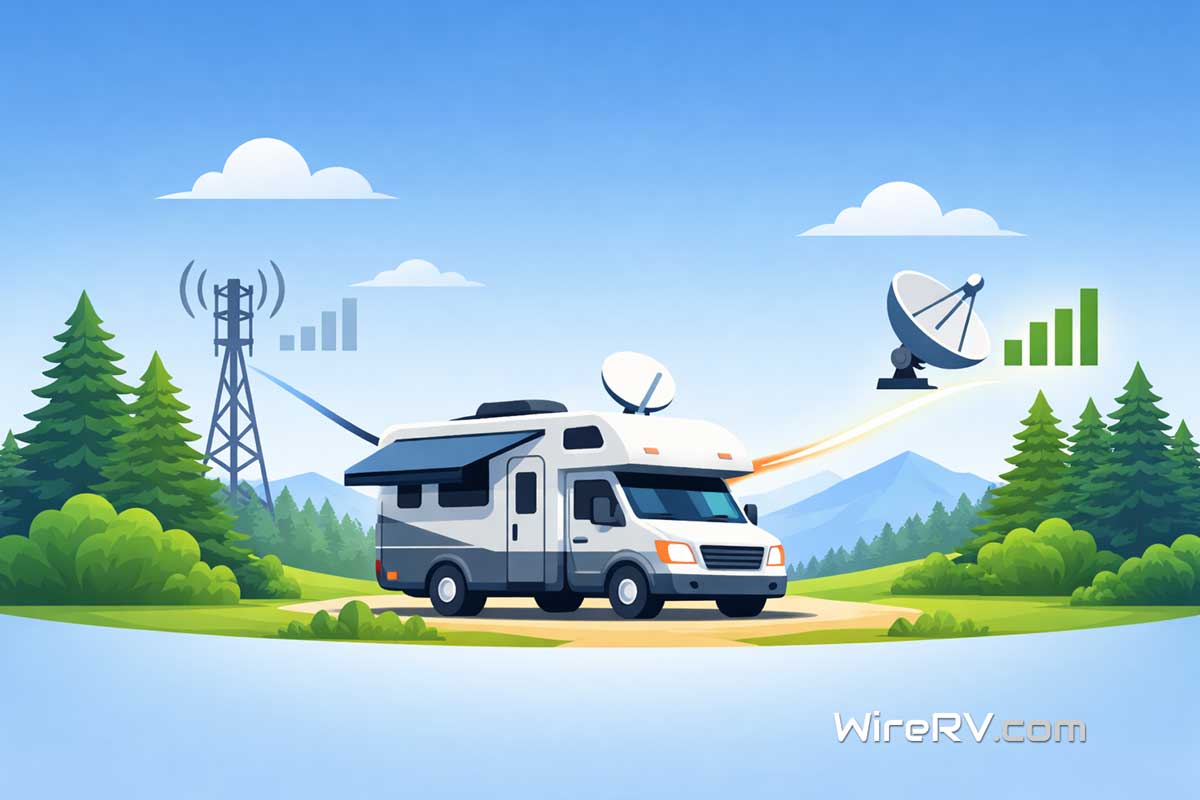
Staying connected on the road matters more than ever. An RV Internet Backup System helps you stay online when your main connection fails. Whether you rely on cellular data or satellite internet, having a backup plan keeps your work, travel, and daily life running smoothly.
Why You Need an RV Internet Backup System 🔄
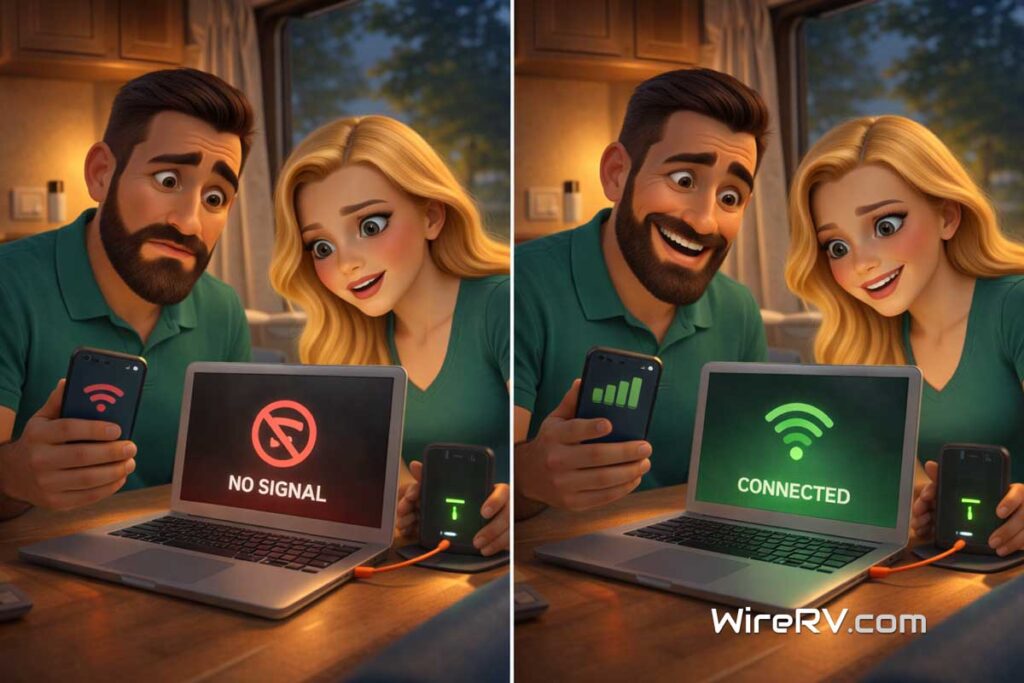
Even the best RV internet setups, including a reliable RV WiFi setup, can fail. For example, you might lose signal in remote areas, hit data limits, or face network congestion. According to the FCC, understanding broadband speed and performance can help explain why connections vary so much. As a result, your connection can slow down or stop completely.
However, with an RV Internet Backup System, you can switch to another option quickly. This means you stay connected when it matters most. In addition, it reduces stress and keeps your plans on track.
What Makes a Strong RV Internet Backup System 💡
A good backup system is simple, reliable, and ready to use. In most cases, it includes a second connection that works differently from your primary setup.
If your main internet is cellular, your backup could be satellite. Understanding Starlink vs Cellular RV options can help you choose the right mix. On the other hand, if you rely on satellite, a cellular hotspot can act as your backup.
Because of this, your connections are less likely to fail at the same time.
Common RV Internet Backup Options 📶
Here are the most practical ways to build your backup system:
1. Secondary Cellular Carrier
First, using a second carrier is one of the easiest solutions. A second carrier gives you coverage in more places. In addition, signal boosters for RV internet can help improve weak signals.
As a result, when one signal drops, the other may still work.
2. Mobile Hotspot Device
Next, a dedicated hotspot provides a quick backup connection. It is easy to turn on and connect when needed.
In addition, many hotspots support multiple carriers, which increases flexibility.
3. Satellite Internet Option 🛰️
Satellite systems can serve as a backup in remote areas. However, many RVers still build RV internet without Starlink using cellular options. While they may not always be your primary choice, they can restore connectivity when cellular service is unavailable.
Therefore, they are useful for off-grid travel.
4. Low-Bandwidth Communication Tools
Finally, some tools focus on basic communication. These include messaging systems that work even when full internet is not available.
Although they do not replace full internet, they provide an important safety layer.
How to Set Up Your RV Internet Backup System ⚙️
Setting up your system does not have to be complicated. In fact, you can follow a few simple steps:
- Identify your primary connection
- Choose a different type of backup connection
- Test both systems before traveling
- Keep devices charged and ready
By doing this, you ensure your backup works when you need it.
Mistakes to Avoid ❌
Even so, many RVers make simple mistakes when building a backup system.
For example:
- Relying on the same network for both connections
- Not testing the backup before a trip
- Choosing overly complex setups
Instead, keep your system simple and reliable. Focus on what works consistently, supported by the right RV tech essentials.
When a Backup System Matters Most 🌄
There are times when a backup system becomes essential.
For instance:
- Working remotely on the road
- Traveling through remote areas
- Handling important tasks or communication
In these moments, having a backup can make a huge difference.
Final Thoughts on RV Internet Backup System 🎯
An RV Internet Backup System is one of the smartest upgrades you can make. While your primary connection handles most of your needs, your backup keeps you prepared for the unexpected.
In summary, the best approach is simple. Use different connection types, test your setup, and stay ready. That way, you can travel with confidence and stay connected wherever the road takes you. 🚐✨

Leave a Reply